HamClock
Tech Pages

Page Created 30 May 2026
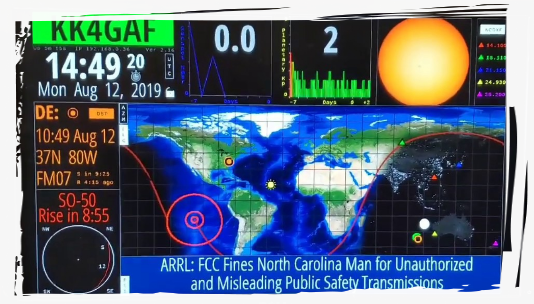
HamClock was created by Elwood Downey, WB0OEW — an engineer who built one of the most popular shack displays in amateur radio and gave it away for free. Elwood became a Silent Key on January 29, 2026.
Earlier versions of the instructions suggested editing
/etc/hosts to redirect clearskyinstitute.com to this server. That method is no longer recommended. Please switch to the -b flag using the instructions below.For neatness, also remove the
clearskyinstitute.com line from your /etc/hosts file once your HamClock is launching with -b hamclock.com:80
An easier method I found was to do this instead. This worked perfectly well with my Raspberry Pi 4 BUT you must be running Hamclock V4.22 (this is when the -b switch was written into the code).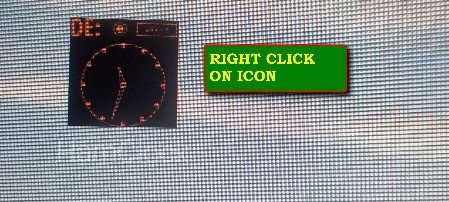
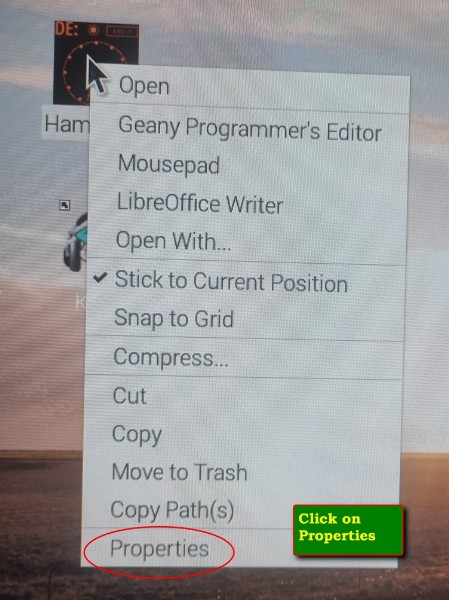
Step 1: From the Pi desktop right click the Hamclock Icon and select properties.
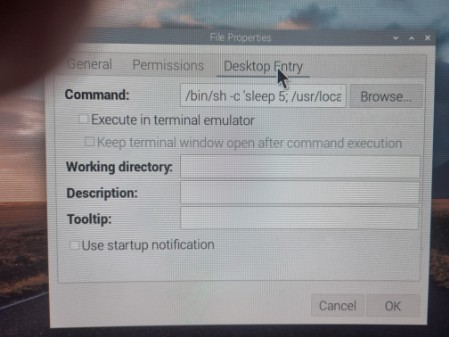
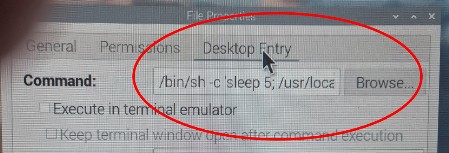
Step 2: Click on Desktop Entry tab. Look at the Command Line.
Step 3: Update the Command line by:
- On the command line, remove the apostrephy (') at the end of the command line. (we will re-insert it again later).
- Add the following to the command line
./hamclock -b hamclock.com:80' (don't forget to re-insert the apostrephy as shown.)